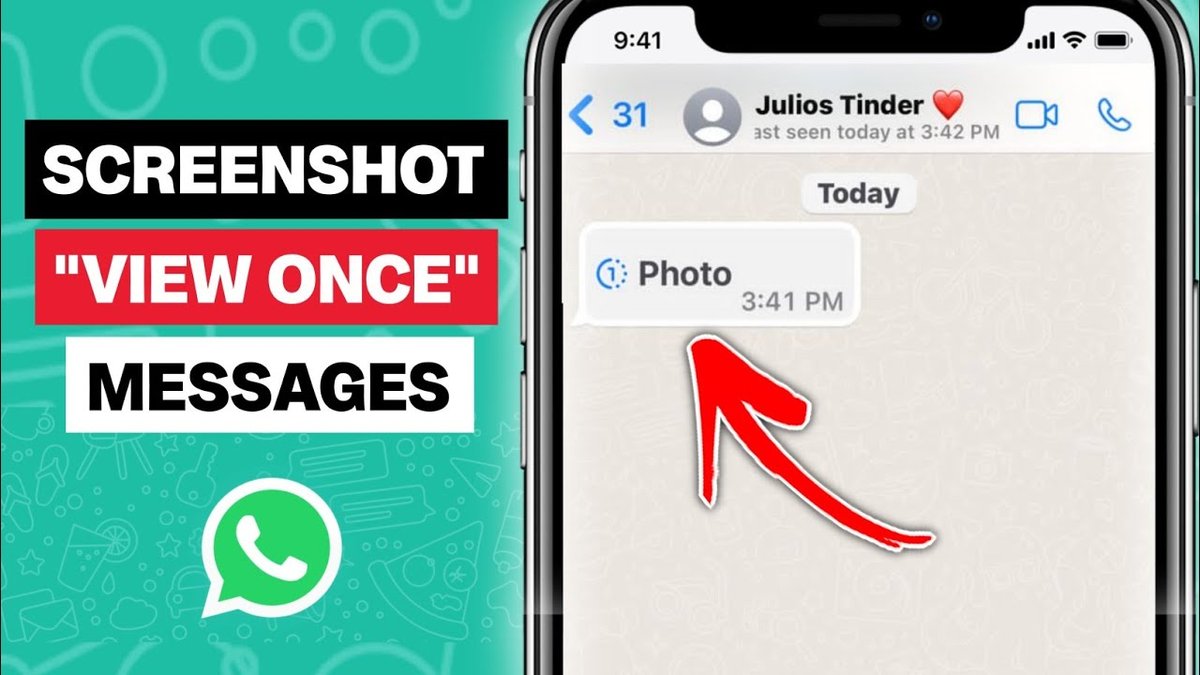
Wondering if you can snag a screenshot of that hilarious WhatsApp story your friend posted without them finding out? It's a common question, given how privacy-conscious we all are these days. The good news is, for the most part, the answer is yes. But there are nuances you definitely need to know before you start snapping away.
At a glance:
- WhatsApp doesn't typically notify users when you screenshot their status updates (aka stories), regular chats, or profile pictures.
- However, there's a big exception: "View Once" media. Screenshotting these is tricky, and the sender might be notified.
- Several third-party apps and workarounds exist to bypass screenshot restrictions, but use them responsibly.
- You can protect your own privacy by using features like "View Once" and disappearing messages.
- Always be mindful and respectful of others people's privacy on WhatsApp.
The Straightforward Answer: Status Updates Aren't Tracked
Let's get this out of the way: WhatsApp doesn't have a built-in screenshot detection feature for most things. If you take a screenshot of a status update (a photo or video posted to someone's "story"), a normal chat, or their profile picture, WhatsApp isn't going to send them an alert saying "Hey, someone just screenshotted your stuff!" This is a core difference compared to apps like Snapchat.
Think of it this way: screenshots are a phone-level function, not a WhatsApp function. WhatsApp can't control what you do with your phone's operating system.
The "View Once" Wildcard: Screenshot Detection with Caveats
Here's where things get interesting. WhatsApp offers a "View Once" feature for photos and videos – meaning the recipient can only see the media once before it disappears. This brings us to the question: does WhatsApp prevent screenshots for View Once media?
The company actively tries to prevent screenshots of view-once media. On many Android and iOS devices, WhatsApp will block the screenshot attempt, and the user will get a generic error message.
However, this blocking isn't foolproof, and the real question is: will the sender be notified if the screenshot is successful, or even attempted? The answer is a murky maybe.
WhatsApp doesn't explicitly state that senders are always notified of screenshot attempts. So it's best to assume the sender could potentially receive a notification.
Bypassing the System: Risky Screenshot Tactics
While WhatsApp attempts to block screenshots of "View Once" media, some users have devised workarounds. Keep in mind that using these methods might violate WhatsApp's terms of service and raises ethical considerations. Here are common techniques and their pitfalls:
- App Cloners: These apps create a duplicate version of WhatsApp on your phone. The theory is that the cloned app might not have the same screenshot restrictions.
- How it works: Install an app cloner, clone WhatsApp, and try taking a screenshot in the cloned app.
- Pitfalls: App cloners can be unstable, and the cloned app might behave differently. Plus, it's a grey area legally and ethically.
- Screen Mirroring: Display your phone's screen on another device (like a laptop or tablet) and take the screenshot from that device.
- How it works: Connect your phone and another device to the same Wi-Fi network, use a screen mirroring app, and take the screenshot from the mirrored screen.
- Pitfalls: This can be cumbersome, and video quality can suffer.
- Google Assistant (Android Only): Use voice commands to trigger a screenshot.
- How it works: Enable Google Assistant, open the WhatsApp chat, and say, "Hey Google, take a screenshot."
- Pitfalls: Some users report this is inconsistent, and the Assistant might fail to capture the screenshot.
- Second Phone/Camera: The most straightforward (albeit low-tech) approach: Use a second phone or camera to take a photo of the first phone's screen.
- How it works: Open the "View Once" media on one phone and use another device to capture an image of the screen.
- Pitfalls: Image quality might be poor, and it requires two devices.
Before attempting any of these methods, consider why you need the screenshot in the first place. Is it worth potentially violating someone's privacy or WhatsApp's terms of service?
Third-Party Monitoring Tools: A Deep Dive (and a Disclaimer)
Specific third-party monitoring tools, such as KidsGuard for WhatsApp, advertise the ability to bypass screenshot detection, capture chats, and access status updates and protected media without alerting the other user. These tools often operate by gaining deeper access to the device's operating system.
Important Disclaimer: Using such tools raises serious ethical and legal concerns. Installing monitoring software on someone's device without their explicit consent is a violation of privacy and may be illegal in many jurisdictions. These tools are primarily intended for parental control and should be used responsibly and within the bounds of the law.
Protecting Your Own WhatsApp Privacy: Take Control
Instead of worrying about taking screenshots, let's shift the focus to protecting your own privacy on WhatsApp. Here are some simple steps you can take:
- Use "View Once" Sparingly: If you're sending something sensitive, use the "View Once" feature. This adds a layer of privacy, even if it's not foolproof. To do this: Open a chat> Tap camera> Select a photo or video> Tap the "1" icon> Send.
- Enable Disappearing Messages: Set your chats to automatically disappear after a certain period (24 hours, 7 days, or 90 days). This reduces the risk of your messages being screenshotted and shared later.
- Adjust Privacy Settings: Control who can see your profile photo, status updates, "last seen" status, and online activity. Go to WhatsApp settings > Privacy to configure these options.
Ultimately, the best way to protect your privacy on WhatsApp is to be mindful of what you share and with whom.
When Should You Worry About Screenshot Notifications?
While WhatsApp largely keeps screenshotting under wraps, some other messaging apps are more transparent (or restrictive). Here's a comparison:
| App | Screenshot Notification Behavior |
|---|---|
| No notifications for regular chats, status updates, or profile pictures. "View Once" is uncertain. | |
| Snapchat | Notifies senders of screenshots in both snaps and chats. |
| Notifies for disappearing photos/videos sent in vanish mode through direct message. | |
| Telegram | Only notifies iPhone users during Secret Chat, Android has blocked. |
| If screenshot privacy is a major concern for you, consider using apps that provide clear notifications when screenshots are taken. | |
| Want to dive deeper into WhatsApp's broader privacy landscape? This guide, Some options, depending on the surrounding context: * Screenshot Notifications: Get the Facts * WhatsApp Screenshot Privacy Explained * Learn About Screenshot Alerts * WhatsApp Screenshot Notifications Guide, covers screenshot notifications and related features more comprehensively. |
Can I Really Trust These Screenshot “Hacks”?
Let's be blunt: most of the screenshot "hacks" you find online are unreliable at best, and potentially harmful at worst. They might involve downloading shady apps, compromising your phone's security, or simply not working as advertised.
Before you try any of these techniques, ask yourself:
- Is the source reputable? Only trust instructions from well-known tech websites or security experts.
- What are the risks? Could this potentially harm my device or compromise my privacy?
- Is it worth it? Is the information I'm trying to capture really worth the risk?
In many cases, the answer will be no. It's better to respect someone's privacy and avoid the potential downsides of these hacks.
Quick Answers: Your WhatsApp Screenshot FAQs
Here are some frequently asked questions about screenshotting on WhatsApp:
- Q: Can someone tell if I screenshot their WhatsApp profile picture?
- A: No, WhatsApp does not notify users when someone screenshots their profile picture.
- Q: Does WhatsApp notify when someone screenshots disappearing messages?
- A: There are no guaranteed notifications, but proceed with caution as some users report disappearing or view once messages triggering notifications.
- Q: Is it illegal to screenshot WhatsApp conversations?
- A: Legality depends on the context and your local laws. Sharing private conversations without consent could be illegal in some jurisdictions. Always err on the side of caution and respect privacy.
Actionable Takeaways: Your Screenshot Decision Tree
Here's a quick guide to help you navigate the world of WhatsApp screenshots:
- Do you need to screenshot a "View Once" photo or video?
- Yes: Proceed with extreme caution, knowing the sender might be notified. Consider the ethical implications.
- No: Proceed normally. WhatsApp doesn't notify for regular chats, status updates, or profile pictures.
- Are you considering using a third-party app or workaround?
- Yes: Research the app thoroughly, understand the risks, and consider the ethical implications.
- No: You're good to go. Just be mindful of the other person's privacy.
- Are you sending sensitive information?
- Yes: Use the "View Once" feature or disappearing messages to add a layer of privacy.
- No: No need to worry.
Ultimately, the key takeaway is this: while you can often screenshot WhatsApp content without the other person knowing, it's always best to be mindful of their privacy and act responsibly. Do the right thing, even when nobody's watching.
