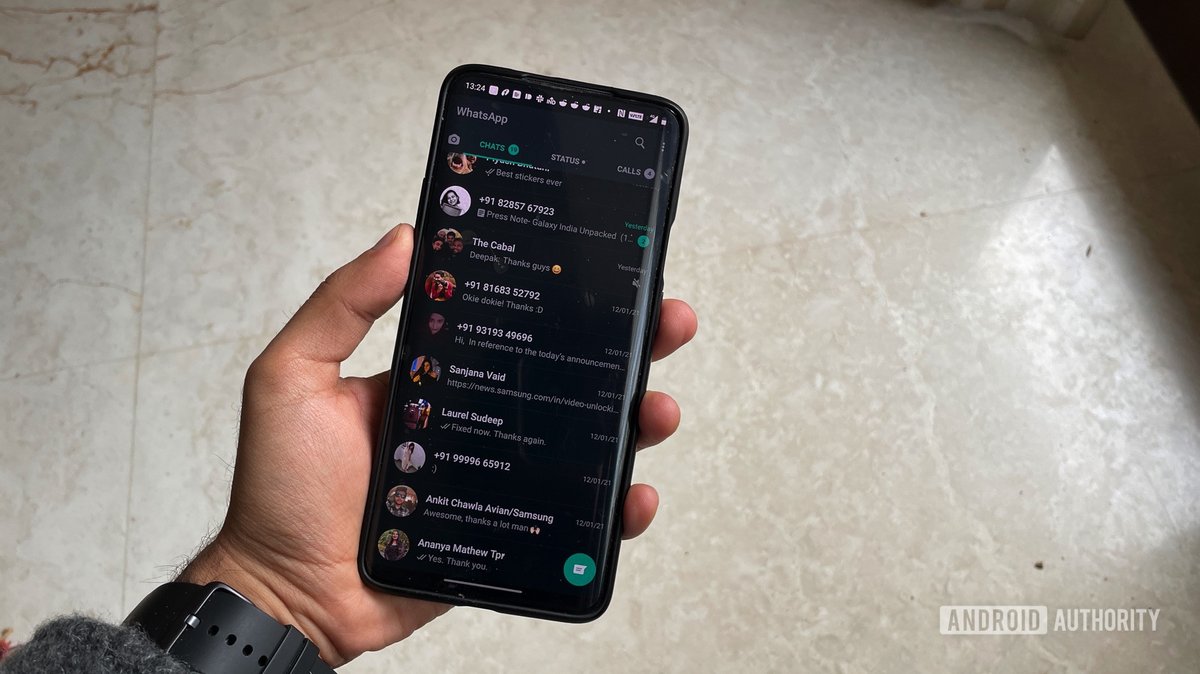
Ever felt that pang of anxiety after sending a potentially sensitive message on WhatsApp, wondering if the recipient might screenshot it? The question of whether WhatsApp alerts screenshots is a common concern in today's privacy-conscious world. Knowing the facts can help you make informed decisions about what you share.
At a glance:
- WhatsApp does not notify users when someone takes a screenshot of their chats, status updates, or "View Once" media.
- Features like "View Once" and disappearing messages don't prevent screenshots; they only limit the lifespan of the content within WhatsApp.
- You can take steps like adjusting your privacy settings and being mindful of what you share to protect your information.
- Understanding the myths versus reality surrounding WhatsApp screenshot notifications is crucial for managing your expectations and behavior.
The Truth: No Screenshot Notification on WhatsApp (Mostly)
Let's cut to the chase: Generally, WhatsApp does not alert you if someone screenshots your chats, status updates, profile picture, or "View Once" media. This is a core difference between WhatsApp and some other messaging apps. If you're sending something you absolutely don't want resurfacing, WhatsApp might not be the best choice.
Think of it like this: If you were having a face-to-face conversation, you wouldn't necessarily know if someone was recording you (though it's illegal in many places without consent!). WhatsApp works similarly in this regard. The lack of notification puts the onus on you to be cautious.
"View Once" Media: A False Sense of Security?
The "View Once" feature, introduced to enhance privacy, allows you to send photos and videos that disappear after the recipient views them. To send an image or video as "View Once," simply attach the media, tap the small "1" icon next to the "Add a caption..." field, then hit send. The recipient will see a "photo" or "video" icon labeled "View Once."
While this feature adds a layer of ephemerality, it's important to remember that "View Once" does NOT prevent screenshots. The recipient can easily capture the image using another phone or, on some devices, directly screenshot the "View Once" image.
Example: Sarah sends a "View Once" photo to Mark. Mark quickly grabs his iPad and takes a picture of his phone screen. Sarah will have no idea.
Disappearing Messages: Fleeting, But Not Screenshot-Proof
Similar to "View Once," WhatsApp offers disappearing messages. You can set chats to disappear after 24 hours, 7 days, or 90 days. To enable this feature, open a chat, tap the contact's name, select "Disappearing Messages," and choose your preferred duration.
Just like with "View Once," disappeared messages are equally at risk. These messages are vulnerable to screenshots before they vanish, creating permanent records without your knowledge.
Practical Tip: If you are sharing sensitive information, even with disappearing messages enabled, consider the recipient's trustworthiness.
Controlling Your WhatsApp Privacy: What You Can Do
While you can't prevent screenshots, you can manage who sees your information. WhatsApp's privacy settings allow you to control who can view your profile photo, "About" info, "Last Seen" status, and status updates.
Here's how:
- Open WhatsApp.
- Go to Settings.
- Tap Privacy.
- Adjust each setting (Profile Photo, About, Last Seen and Online, Status) to your desired level:
- Everyone: Visible to all WhatsApp users.
- My Contacts: Visible only to people in your phone's address book.
- My Contacts Except...: Choose specific contacts to exclude.
- Nobody: Completely hidden.
By limiting who can see your information, you can reduce the potential audience for screenshots.
Example: Emma, a marketing professional, sets her "Last Seen" and "About" info to "My Contacts" to prevent unknown individuals from tracking her activity.
Profile Picture: A Different Story on Desktop
Interestingly, WhatsApp does offer some protection against profile picture screenshots, but only on the mobile app version. Mobile users can't directly screenshot another user's profile picture. However, this protection doesn't extend to the desktop version of WhatsApp. A user can easily take a screenshot of a profile picture displayed on a computer screen.
Alternatives: Apps with Screenshot Notifications
If screenshot notifications are a must-have for your conversations, consider using alternative messaging apps.
Here's a quick comparison:
| App | Screenshot Notification | Context |
|---|---|---|
| Snapchat | Yes | In chats |
| Yes | In Vanish Mode | |
| Facebook Messenger | Yes | In Vanish Mode |
| Telegram | Yes | Only in Secret Chats. Standard chats do not notify. |
| No | For chats, status updates, disappearing messages, "View Once" media, and profile information | |
| Before switching apps, consider that these alternative come with their own privacy and security trade-offs. |
Fortifying Your WhatsApp Security: Beyond Screenshot Worries
While you can't control screenshots, you can enhance your WhatsApp security in other ways:
- Two-Step Verification: Enable this feature (Settings > Account > Two-step verification) to add an extra layer of security to your account. Even if someone gets your SIM card, they won't be able to access your WhatsApp without the PIN you set.
- Fingerprint/Face Lock: Use your phone's biometric security to lock WhatsApp (Settings > Privacy > Fingerprint Lock/Face ID). This adds another barrier of entry to your chats.
- Be Wary of Suspicious Links: Avoid clicking on links from unknown sources, as they could be phishing attempts or lead to malware.
These measures won't prevent screenshots, but they will make your account more secure overall. If you want a broader understanding of WhatsApp privacy and security, you might find this WhatsApp Screenshot Notification Guide helpful.
Debunking WhatsApp Screenshot Myths: Separating Fact from Fiction
Let's address some common misconceptions about WhatsApp screenshot notifications:
Q: Myth: WhatsApp notifies users for every screenshot taken of their chats.
A: Reality: This is completely false. WhatsApp has no built-in mechanism to detect or notify users about screenshots of regular chats.
Q: Myth: Disappearing messages are 100% secure because they vanish.
A: Reality: While disappearing messages add a layer of privacy, they are not foolproof. Screenshots and even someone using a separate device to photograph the screen remain threats.
Q: Myth: If someone screenshots a "View Once" picture, the sender will get a notification.
A: Reality: Sadly, no. Just like regular chats, WhatsApp doesn't notify you if someone screenshots a "View Once" image.
Q: Myth: My profile picture is completely protected from being screenshotted.
A: Reality: While mobile app users can't directly screenshot your profile picture, it's easily captured on the desktop version of WhatsApp.
WhatsApp Screenshot Playbook: A Practical Guide
Here's a step-by-step guide to managing your WhatsApp privacy in light of the screenshot reality:
- Assess Your Risk: Consider the sensitivity of the information you share on WhatsApp.
- Adjust Privacy Settings: Configure your privacy settings (profile photo, "About," "Last Seen") to control who can see your information.
- Enable Security Features: Activate two-step verification and fingerprint/face lock for added security.
- Be Mindful of Sharing: Think twice before sharing sensitive information or media, even with trusted contacts.
- Educate Yourself: Stay informed about WhatsApp's privacy features and limitations.
- Consider Alternatives: If screenshot notifications are crucial, explore messaging apps that offer this feature, understanding their trade-offs.
Take Action Now: Making Informed Choices on WhatsApp
The key takeaway is that WhatsApp does not alert screenshots. While features like "View Once" and disappearing messages offer some privacy enhancements, they are not foolproof. You can protect your information by adjusting your privacy settings, enabling security features, and being mindful of what you share. Consider whether WhatsApp aligns with your privacy needs, or if alternative messaging apps might be a better fit. Ultimately, responsible and informed usage is the best defense against unwanted screenshots.
