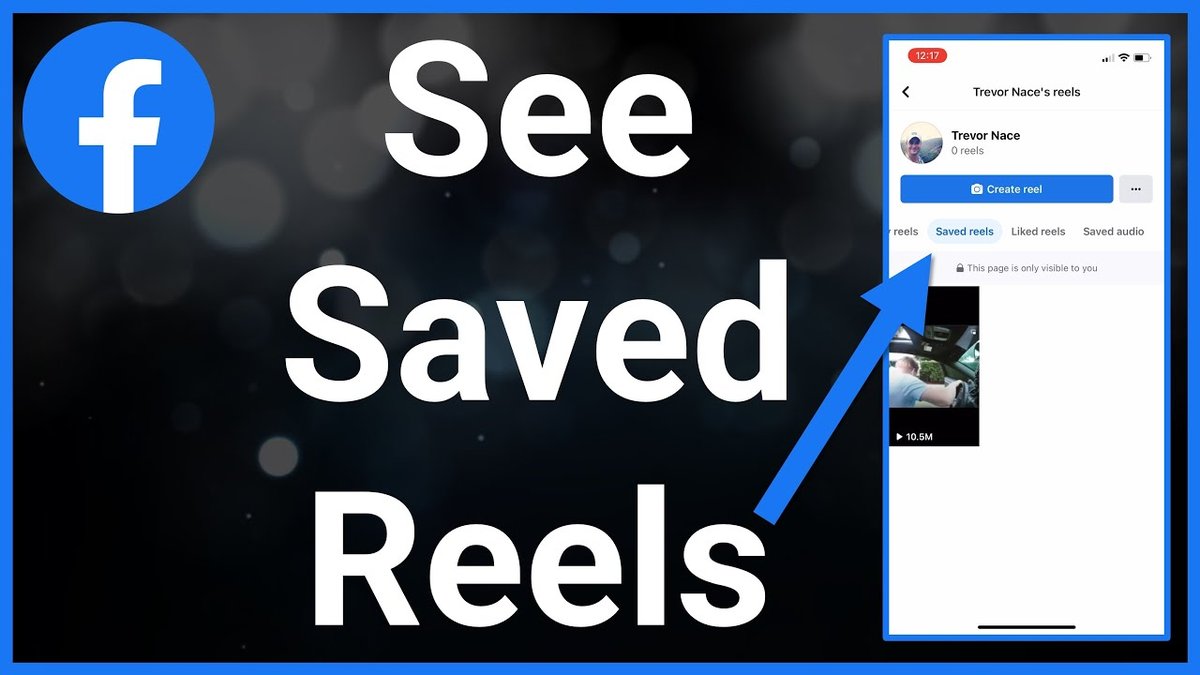
Frustrated that Facebook doesn't make it a snap to save Facebook Reel to phone for offline viewing? You're not alone. While Facebook encourages sharing, directly downloading Reels to your device isn't always obvious. This guide cuts through the confusion, offering several methods to get those entertaining Reels onto your phone, legally and safely.
At a glance:
- Learn multiple methods to download Facebook Reels directly to your iOS or Android device.
- Understand the legal and ethical considerations before downloading Reels.
- Discover the best mobile apps and online tools for quick and easy downloads.
- Troubleshoot common issues and limitations when saving Reels.
- Decide which download method best suits your needs based on speed, quality, and privacy.
Why Direct Download is Often the Best Approach
While watching Reels within the Facebook app is convenient, there are times when having them saved directly to your phone is far superior:
- Offline Viewing: Perfect for commutes, travel, or any situation with limited internet access.
- Easy Sharing: Share Reels on other platforms where direct Facebook links might not work as well.
- Personal Archive: Keep a library of your favorite Reels for future enjoyment.
- Creative Editing: Use downloaded Reels as source material for your own creations (with permission, of course!).
Downloading Your Own Facebook Reels (The Official Way)
The simplest scenario is downloading Reels you yourself created and uploaded. Facebook does provide a direct download option for these, but it's not always obvious.
Steps to Download Your Own Reel (Mobile):
- Open the Facebook app: Navigate to your profile.
- Find the Reel: Locate the Reel you want to download within your Reels tab.
- Tap the Three-Dot Menu: This menu is usually located at the bottom or side of the Reel.
- Select "Download reel": A prompt will appear, and the Reel will be saved to your device's gallery or camera roll.
What if you don't see the download option?
Some users report that the download option is occasionally missing. This can be due to a temporary glitch, account settings, or the specific settings you chose when uploading the Reel. If this happens, consider using a third-party download method (explained below).
Downloading Public Reels from Other Creators: A Toolkit
Saving Reels created by others requires relying on third-party tools. These methods come with some caveats (which we'll address), but can be effective.
Think of these tools as different wrenches in your toolbox. Some are quick and easy to use (like online downloaders), while others offer more control and features (like dedicated apps).
Method 1: Online Downloaders (Speed & Simplicity)
Online downloaders are websites where you paste the Reel's link and they generate a download link. They are typically free and require no software installation.
- Examples: Viddown.net, FDOWN.net, SnapSave.app.
Example: Using Viddown.net
- Find the Reel: On Facebook, locate the Reel you want to download.
- Copy the Reel URL: Tap the three dots and select "Copy Link."
- Visit Viddown.net: Open the website in your mobile browser.
- Paste the URL: Paste the copied link into the designated box.
- Click "Download": The website will process the link and provide download options.
- Select Quality and Download: Choose your preferred download quality (if available) and start the download.
Caveats:
- Ads and Pop-ups: Many online downloaders are ad-supported, so be prepared for pop-ups.
- Quality Limitations: Download quality may be limited compared to the original Reel.
- Privacy Concerns: Always use reputable online downloaders and avoid entering any personal information.
Method 2: Mobile Apps (Convenience & Integration)
Several Android apps are designed specifically for downloading Facebook videos, including Reels. These apps often provide a smoother, more integrated experience compared to online downloaders. - Examples: Video Downloader for Facebook, FastVid.
Important Note: Always check app reviews and permissions before installing any app from the Google Play Store. Look for apps with high ratings and a large number of downloads to minimize the risk of malware or privacy issues.
Method 3: Screen Recording (The Universal Backup)
If all else fails, you can always use your phone's built-in screen recording feature. This captures the Reel as it plays on your screen.
How to Screen Record (General Steps):
- Enable Screen Recording: Most modern smartphones have built-in screen recording features (search your phone settings).
- Start Recording: Initiate screen recording before playing the Reel.
- Play the Reel: Play the Reel in full screen and let it run to completion.
- Stop Recording: Stop the screen recording.
- Trim the Video: Use your phone's video editor to trim the recording to isolate the Reel.
Downsides:
- Lower Quality: Screen recording typically results in lower video quality compared to direct downloads.
- Manual Editing: You'll need to manually trim the recording to remove any unwanted parts.
Downloading Private Reels: A More Complex Task
Downloading private Facebook Reels is significantly more challenging. These Reels are intended for limited viewing, and Facebook actively discourages downloading them. Downloading these is a bit of a grey area legally and ethically, so proceed with caution and only if you have explicit permission from the creator.
Desktop-Based Method (For Private Reels):
This method, detailed further in PC download guide for Reels, involves accessing the page source code on a computer and using a specialized downloader. It's more technical and not easily done on a phone directly.
Important Considerations: Copyright and Ethics
Before you start downloading Reels, it's crucial to understand the legal and ethical implications.
- Copyright: Reels are creative works protected by copyright law. Downloading a Reel doesn't give you the right to redistribute it, use it for commercial purposes, or claim it as your own.
- Permission: Always seek permission from the Reel's creator before using it for anything beyond personal viewing.
- Respect Creators: Support the original creators by sharing their Reels directly from Facebook whenever possible.
Case Snippet:
A small business owner downloaded a popular Reel and used it in their own marketing campaign without permission. They received a cease-and-desist letter from the original creator and had to remove the video. This highlights the importance of respecting copyright and seeking permission.
Choosing the Right Method: A Decision Tree
Here's a simple decision tree to help you choose the best download method:
- Is it your own Reel?
- Yes: Use the built-in Facebook download option (if available).
- No: Continue to question 2.
- Is it a public Reel?
- Yes: Continue to question 3.
- No (Private Reel): Consider the ethical implications; desktop method via source code is required (and more complex)
- Do you need high quality?
- Yes: Try a reputable online downloader first. If quality is insufficient, screen recording is your only option.
- No: Use any of the online downloaders or mobile apps discussed earlier.
- Are you on a mobile device?
- Yes: Mobile apps offer the most convenient experience.
- No: Online downloaders work well on desktop computers.
Practical Playbook: Download Tips & Tricks
- Check Download Quality: Before downloading, see if the tool or app offers options for selecting video quality (e.g., HD, SD).
- Use a VPN: If you're concerned about privacy, consider using a VPN when accessing online downloaders.
- Scan Downloaded Files: After downloading a Reel, scan it with your antivirus software to ensure it's free from malware.
- Manage Storage: Reels can take up significant storage space, so be sure to manage your phone's storage accordingly.
Quick Answers: Common Questions About Saving Reels
Q: Is it legal to download Facebook Reels?
A: Downloading Reels for personal, non-commercial use is generally considered acceptable, but redistributing them or using them for commercial purposes without permission is a copyright infringement.
Q: Are online Reel downloaders safe to use?
A: Some are, some aren't. Stick to well-known and reputable websites. Avoid sites that ask for your Facebook login credentials. Install a good ad blocker to minimize the risk of clicking on malicious ads.
Q: Why is the download option missing from my own Reels?
A: This can be due to a temporary glitch, account settings, or the specific settings you chose when uploading the Reel. Try again later or use a third-party download method.
Q: Can I download Reels in HD quality?
A: It depends on the downloader and the original Reel's quality. Some downloaders offer HD options, while others are limited to SD quality. Screen recording will generally result in lower quality than the original.
Actionable Close: Your Next Steps
You now have a complete toolkit to save Facebook Reel to phone for offline viewing. Start by downloading the Reels you yourself created. Then, armed with awareness of the legal and safety aspects, explore reputable third-party tools. Experiment with different methods to find the one that best suits your needs. Remember to always respect copyright and support the creators of the content you enjoy.
