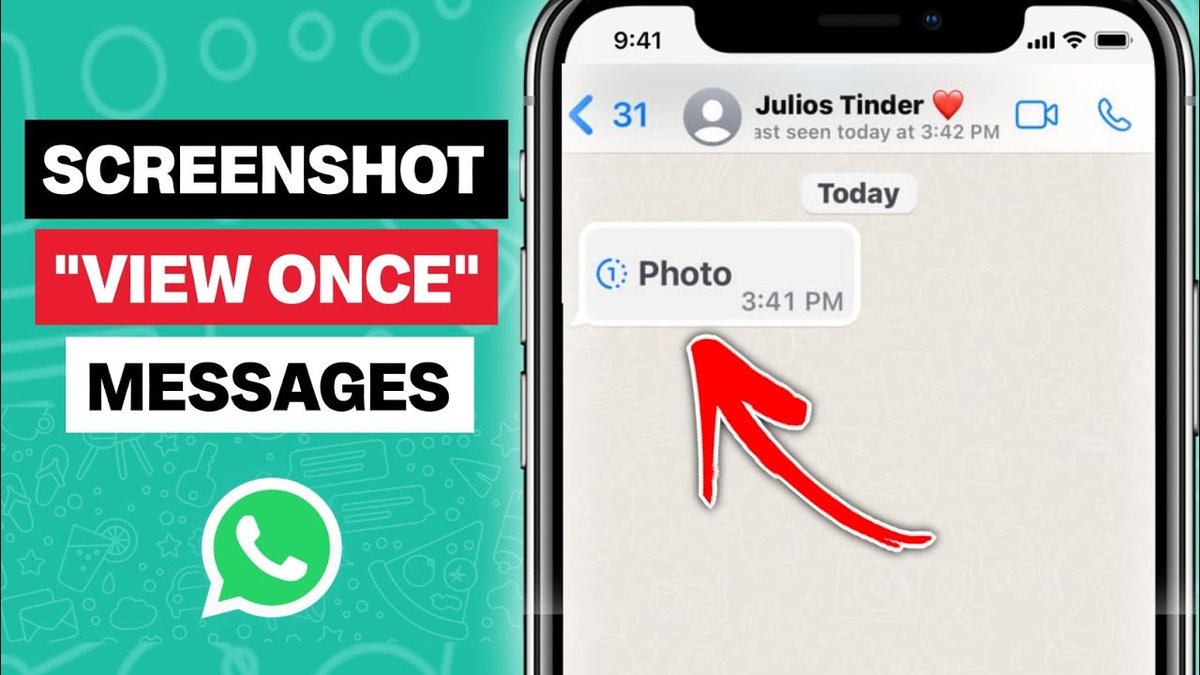
For the bigger picture and full context, make sure you read our main guide on Does WhatsApp Notify Screenshots? Heres What You Need To Know.
markdown
Ever wonder if the person whose WhatsApp story you just screenshotted knows you grabbed a copy? It's a common question in our increasingly digital world, especially when it comes to ephemeral content like stories. Unlike some platforms, WhatsApp takes a specific approach to screenshot notifications, particularly with its "View Once" feature, balancing user privacy with content control.
At a glance:
- WhatsApp does not notify users when you screenshot their regular status updates (stories).
- However, screenshots are blocked for "View Once" photos and videos for enhanced privacy.
- There are alternative methods to capture WhatsApp content discreetly, but they often raise ethical concerns.
- You can enhance your own privacy on WhatsApp using features such as disappearing messages and profile picture settings.
- Other messaging apps like Snapchat and Instagram handle screenshot notifications differently.
The Straight Answer: No Notification for Regular Stories
Good news for the curious (or those who just want to save a funny moment): WhatsApp does not send a notification when someone screenshots a regular status update, also known as a WhatsApp story. This means you can capture those fleeting moments without the story poster knowing. This applies to both Android and iOS.
However, there's a significant exception. Here's what you need to know: WhatsApp's "View Once" feature, designed for sensitive content, actively blocks screenshots.
The "View Once" Exception: Screenshots Are Blocked
Introduced to provide users with greater control over their shared content, "View Once" photos and videos represent a different ballgame. When you send a photo or video using the "View Once" option, the recipient can only view it one time. Critically, WhatsApp blocks the recipient from taking a screenshot or screen recording of this content.
- Why this matters: It adds a layer of privacy for sharing sensitive information or moments you don't want permanently saved.
- Example: Sharing a temporary password or a quick snapshot of personal information.
If a user attempts to screenshot a "View Once" photo or video, the screenshot will fail, and they will typically see a message indicating that the action is not allowed. The sender will not be notified of the failed attempt.
Sneaky Screenshot Alternatives: Ethical Considerations
While WhatsApp protects "View Once" content, workarounds exist for capturing other WhatsApp content without direct notification. Keep in mind that using these methods without consent raises serious ethical concerns and could potentially violate privacy laws.
Here's a look at some of those methods:
- Haqerra (Monitoring App): This type of app, designed for monitoring, can run silently in the background of a target device, capturing messages, photos, videos, and even voice notes.
- How it works: It requires installation on the target device, followed by setup and remote access to a dashboard where captured data can be viewed.
- Use case: Highly discouraged unless you have explicit consent and a legitimate reason for monitoring (e.g., parental control with a minor child).
- App Cloner: This app creates a duplicate version of WhatsApp, which, in some cases, might bypass screenshot restrictions (though this isn't guaranteed and depends on WhatsApp updates).
- How it works: Install App Cloner, clone WhatsApp, open the cloned app, and attempt the screenshot.
- Use case: Circumventing security measures, raising ethical flags.
- Screen Mirroring: By mirroring a phone's screen to another device (e.g., a computer or tablet), you can capture screenshots from the secondary device.
- How it works: Connect both devices to the same network, mirror the display, and take screenshots from the receiving device.
- Use case: Enables discreet capture but requires access to the target device's screen.
- Google Assistant: On Android, you can use Google Assistant to take a screenshot via voice command.
- How it works: Enable Google Assistant, open the WhatsApp chat, and say, "Hey Google, take a screenshot."
- Use case: A seemingly simple way to take a screenshot hands-free but still doesn't notify the other person.
- The "Old School" Method: Another Phone: Simply taking a photo of the screen with another phone or camera.
- How it works: Point, shoot, capture.
- Use case: Always available, but quality may be low.
Important Disclaimer: Engaging in such practices without the explicit knowledge and consent of the other party is a breach of trust and potentially of privacy laws.
Protecting Your Own WhatsApp Privacy
Knowing that screenshots aren't universally detectable, what can you do to safeguard your own privacy on WhatsApp? The platform offers several built-in features:
- View Once: As mentioned, this is your primary defense against permanent screenshot captures for particularly sensitive photos and videos.
- Profile Picture Privacy: Control who can see your profile picture. Options include "Everyone," "My Contacts," "My Contacts Except…," and "Nobody."
- Manage Account Privacy Settings: Adjust who can see your "Last Seen," "About" information, and status updates. This adds a layer of control over your overall visibility.
- Use Disappearing Messages: Set messages to automatically disappear after 24 hours, 7 days, or 90 days. This helps limit the lifespan of potentially sensitive conversations.
Example: A business owner sharing confidential information with a colleague might use disappearing messages to ensure the details aren't stored indefinitely.
How Other Apps Handle Screenshots: A Quick Comparison
WhatsApp's approach to screenshot notifications isn't universal. Other messaging apps take different stances:
| App | Screenshot Notification Behavior | Notes |
|---|---|---|
| Snapchat | Notifies users of all screenshot attempts on chats and stories. | Known for its strong emphasis on ephemeral content and screenshot detection. |
| Notifies for disappearing photos/videos in Vanish Mode in DMs. | Similar to Snapchat, offering screenshot notifications for specific types of content. | |
| Telegram | Notifies iPhone users in Secret Chat (no Android notification). | Offers end-to-end encryption and screenshot notifications in its "Secret Chat" mode, but the notification is limited to iPhones. |
Quick Answers: Common Screenshot Questions
Q: Can I tell if someone screenshotted my WhatsApp profile picture?
A: No, WhatsApp does not notify you if someone screenshots your profile picture.
Q: If I screenshot a group chat, will everyone in the group know?
A: No. Screenshotting a group chat does not send a notification to any members of the group.
Q: Does WhatsApp detect screen recordings?
A: WhatsApp blocks screen recordings of “View Once” media only. It does not detect screen recordings of regular chats, status updates, or profiles.
Q: Is it illegal to screenshot someone's WhatsApp conversation?
A: Legality depends on your jurisdiction and the context of the conversation. Generally, if the conversation is private and you're sharing it without consent, it could be a violation of privacy laws. Always err on the side of caution and respect others' privacy.
Your WhatsApp Screenshot Playbook: A Quick Start
- Sharing Sensitive Content? Always use the "View Once" feature for photos and videos you don't want permanently saved or screenshotted.
- Control Your Privacy: Review and adjust your profile picture and account privacy settings to limit who can see your information.
- Consider Disappearing Messages: Enable disappearing messages for chats where you want to limit the long-term retention of information.
- Be Ethical: Think twice before using third-party apps or methods to capture WhatsApp content without consent – it's a breach of privacy and trust.
- Stay Informed: WhatsApp's features and policies can change, so stay updated on the latest privacy options.
While WhatsApp doesn't universally alert users to screenshot activity, understanding its features and limitations is crucial for navigating the platform responsibly and protecting your own privacy. Remember that ethical considerations should always be at the forefront when capturing content that isn't explicitly shared with you.
